
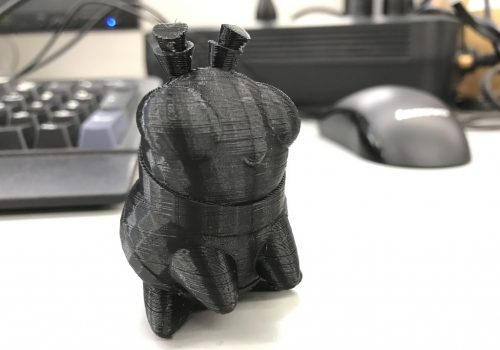
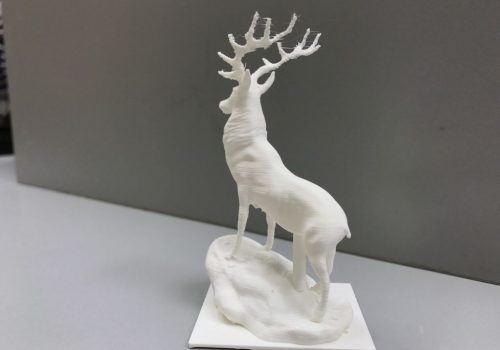
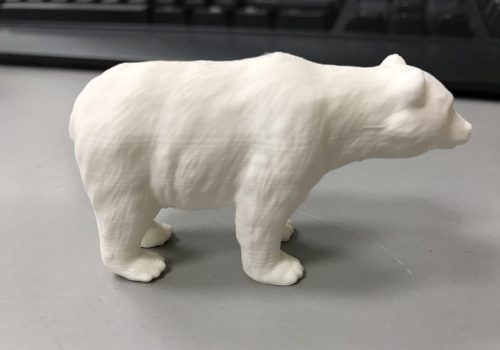
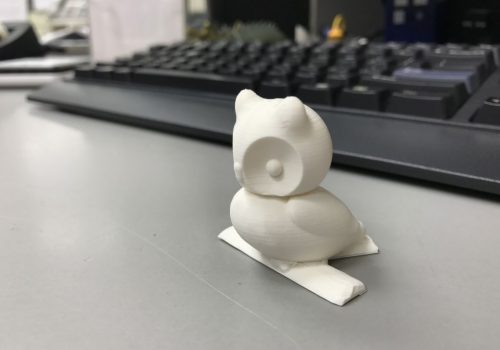
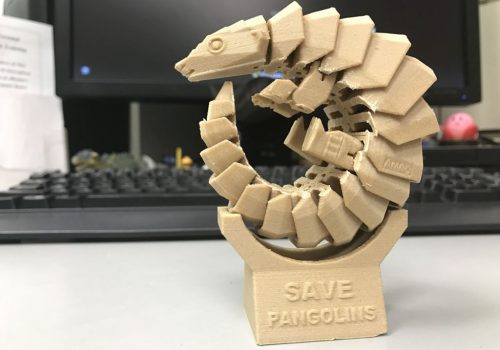
3D printing is the process of making three dimensional (3D) solid objects from a digital file.
3D printing adds material, layer by layer, to make a final object.
You can design a 3D model using 3D modeling programs such as, Tinkercad, SketchUp, 123D Design, 3D Slash, Photoshop CC and many more, or you can also use a 3D scanner to scan the physical object. We have a 3d scanning services available at the library, and there are applications available for 3D scanning – which does not require extra hardware, such as 123D Catch, Trnio, and Scann3D, or you can use free – ready to print models from websites such as Makerworld, Thingiverse, or YouMagine.
3D Printer FAQs
Who can print?
Patrons with valid Chinook Regional Library cards are welcome to request their 3D print. Children and teens 15 years old and under, will need parental permission to request a print.
Which are the supported formats for 3D printing?
Swift Current Branch Library only supports .STL, .3mf, and .OBJ file formats.
How long does 3D printing take?
The time varies depending on the size and complexity of the design. The time until your print is ready for pickup will be estimated prior to printing.
What is the cost of 3D printing?
The cost depends on the weight of the final printed object. For most of our filaments we charge a base charge of $2.00 plus $0.05 per gram of the object. HTPLA is available for printing as well, but at $0.10 per gram of the object. The cost can also be estimated before printing the actual object.
Which 3D printer and material the library is using? Which colours are available?
We have an Bambu Lab P1S 3D printer, build volume 256 x 256 x 256 mm.
It primarily uses PLA – a industrially bio-degradable type of thermoplastic. We also have HTPLA, which is a heat treatable version of PLA that is much stronger and is more heat resistant.
Available colours: please contact the library to check on currently available colours.
We can print with up to four colours at a time per object, although this does significantly increase the amount of material used.
Does a printing job ever fail?
There can be technical issues for the failure of a printing job. Other than that there can be issues with the 3D model design.
Is there any restricted print?
The library has a right to refuse print requests such as sharp objects, weapons, keys.
How do I submit a file for 3D printing?
You can email your 3D print job as .STL, .3mf or .OBJ file attachment or the link to the file’s location online at Thingiverse.com or other file sharing resources to 3dprinter@chinook.lib.sk.ca. We will contact you when the print is ready for pick-up.